
To optimize your Google Business Profile (GBP) in Bangladesh, start with Google Business Profile optimization by claiming and verifying your listing. Next, keep 100% NAP accuracy (Name, Address, Phone) across your website and directories, choose the right categories, add services, and write a clear description with natural local keywords like “restaurant in Dhaka” or “courier service in Bangladesh.”
Then upload real photos and videos, post weekly updates, and collect and reply to reviews to improve visibility in the Local 3-Pack. Finally, set your service area, turn on messaging, and track calls, directions, and clicks in Performance.
Quick definition: Google Business Profile optimization means improving your listing so people can find and trust your business on Google Search and Google Maps.
10-Minute Google Business Profile Setup Checklist
- First, open Business Profile Manager and confirm that you manage the correct profile.
- Next, complete verification (phone, email, postcard, video, or live video).
- Then, use your real business name on signage and documents, and avoid extra keywords.
- After that, fix NAP (name, address, or hide it for SAB, phone, and website URL) and keep it consistent—NAP consistency.
- Also, set regular hours, and add special hours for Eid, Puja, and national holidays.
- Now, choose one strong primary category, and add a few relevant secondary categories.
- Finally, add key services/products and upload your logo, cover, and 5–10 real photos.
GBP Optimization: Quick Checklist
- Claim and Verify: First, claim your Google Business Profile and complete verification so you control the listing.
- NAP Accuracy: Next, keep your Name, Address, and Phone accurate, and match the same details on your website and directories.
- Categories: Then choose one strong primary category and a few relevant secondary categories to improve search relevance.
- Description + Services: After that, write a clear description and add services/products using natural phrases like “restaurant in Dhaka” or “courier service in Bangladesh” only when they truly fit.
- Photos + Videos: Also, upload real, high-quality photos and short videos of your team, work, and location to build trust and clicks.
- Weekly Activity: Finally, post weekly updates, collect and reply to reviews, set your service area clearly, and turn on messaging so customers can contact you faster.
Why GBP Optimization Matters for Businesses
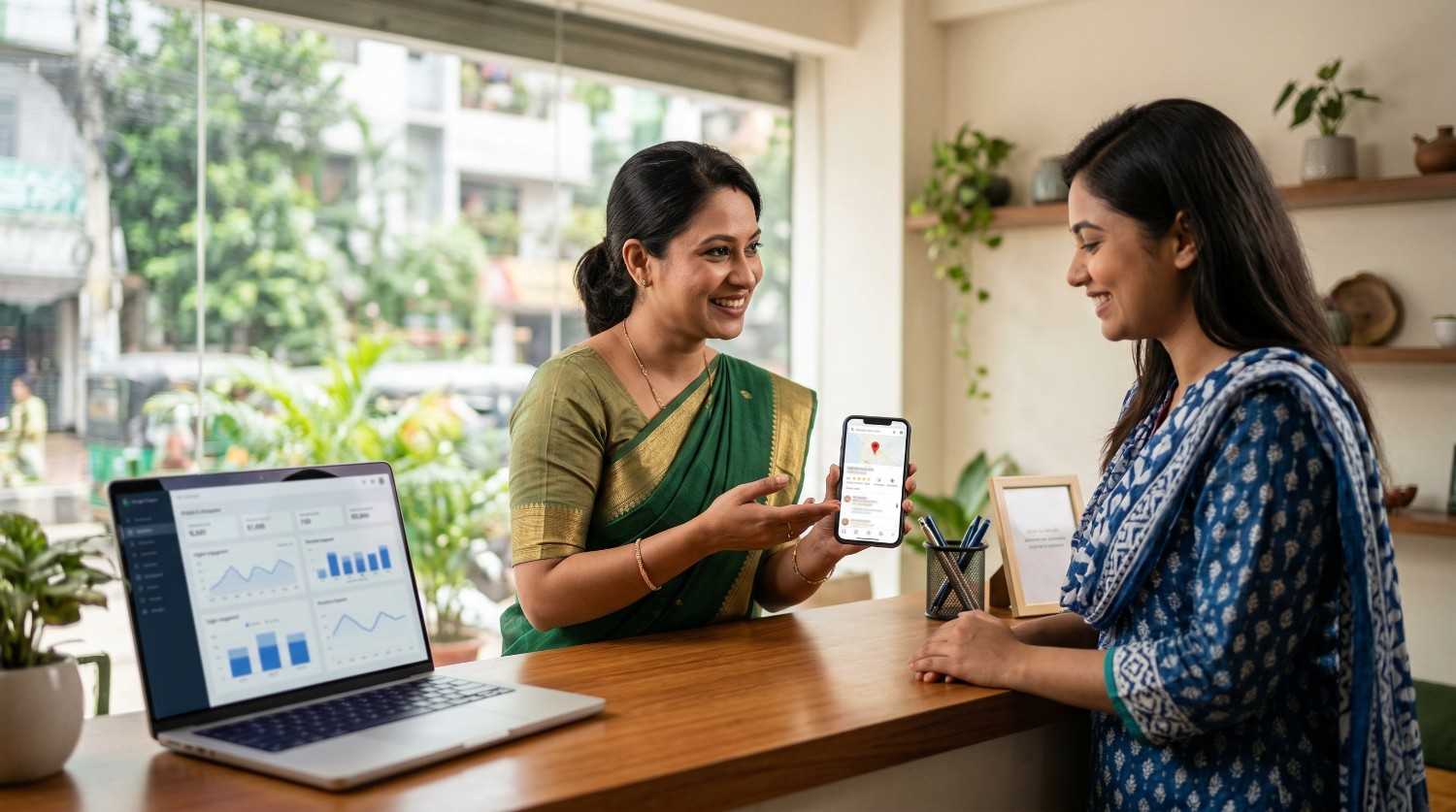
Increased Visibility: First, an optimized profile helps you show up in the Local 3-Pack, so more people notice you fast.
Higher Engagement: Next, strong photos often bring higher engagement—many reports mention more direction requests and clicks, although results can vary.
Trust Building: Finally, a complete profile builds trust—so you can check real results from businesses we’ve helped.
How Google Ranks Your GBP for Local SEO (3 Factors)
Google ranks local results using three signals:
- Relevance: Your categories, services, description, posts, and Q&A help Google match you to searches.
- Distance: Google checks how close the searcher is to your location or service area.
- Prominence: Reviews, photos, activity, and consistent NAP across the web help you look trusted.
You can’t control distance for every search. Still, you can improve relevance and prominence with accurate info and steady updates.
Google Business Profile Optimization: Step-by-Step
Follow these steps in order. First, Google can understand your business faster. Then, customers can trust you faster. This process supports Google Business Profile optimization without risky shortcuts.
Claim & Verify Your Profile
Search your business on Google and click “Manage this profile.” Next, sign in and complete verification if Google asks.
Then set access roles:
- Keep one main Owner
- Add one trusted backup Owner
- Give the staff Manager access for daily edits
- Remove old or unknown users
Fix NAP, Hours, and Map Pin Location
Now keep NAP (Name, Address, Phone) the same on your profile, website, Facebook page, and directories. Also, move the map pin to the correct entrance if needed.
After that, set regular hours and add special hours before holidays, so “open now” stays accurate.
Choose Categories and Add Key Attributes
Next, pick the closest primary category for your main service. Then add a few relevant secondary categories.
Also, add useful attributes like:
- payment options
- delivery/home service
- appointment required
- accessibility options
Write Your Description and Add Services
After that, write a simple description that says what you do, who you serve, and what people can expect. Then add your main services and short service descriptions.
Use natural phrases like “restaurant in Dhaka” or “courier service in Bangladesh” only when they truly fit your business.
Add Website, Booking, and Contact Links
Finally, add your website link and a booking/appointment link if you take bookings. This step helps people take action without extra clicks.
Build Trust: Photos, Posts, Q&A, and Reviews
Now upload real photos and short videos, post weekly updates, answer Q&A clearly, and collect reviews. Then reply to every review so your profile stays active and reliable.
GBP Setup for Bangladesh: Language, Address, Hours
Bangladesh users search in both English and Bangla. So, keep your core profile fields consistent, and then use Bangla where it helps your customers most.
- First, use your official business name exactly as it appears on signage and documents.
- Next, use Bangla in posts, Q&A, and replies if your audience prefers it.
- Also, keep your address format consistent (Road–Block–House order), and update special hours before Eid, Puja, and national holidays.
- Finally, if you run a service-area business (SAB), hide your address and list only the areas you truly serve to avoid confusion.
Examples of city coverage: Dhaka, Chattogram, Khulna, Rajshahi, Sylhet, Barishal, Rangpur, Mymensingh.
Best Photos and Videos for Your GBP
Upload real, high-quality photos and short videos of your products, team, and location. Then, add new photos every week, because people decide fast when they compare options.
What to upload:
- Exterior and interior
- Team photos
- Work in progress
- Before/after (if it fits)
- Short videos that show your place or process
Geotagged images: Some businesses test geotagging as an extra step. However, results can vary, so focus first on real photos, accurate categories, complete services, and reviews.
GBP Posts, Q&A, and Weekly Plan
Post once a week to keep your profile active, and choose one CTA like Call or Directions. Next, add 3–5 common Q&A and answer them from the business account.
Finally, follow this weekly routine (15–30 minutes):
- Upload 3–5 photos
- Publish 1 post
- Add 1 Q&A
- Request reviews and reply to new reviews
Get More Google Reviews and Reply the Right Way
Ask for reviews in a policy-safe way, so skip rewards, discounts, or gifts.
Review request message:
Hi [Name], thanks for choosing us. If you feel happy with our service, please share a quick Google review. Here is the link: [Short link].
Reply templates (short):
- Positive: Thanks, [Name]. We’re glad you liked [service].
- Negative: Thanks, [Name]. We want to help. Please contact us at [phone/email].
Fake reviews: Reply once calmly, then save screenshots and dates, and finally report it using Google’s review options.
Set Service Areas and Turn On Messaging in GBP
Turn on messaging if it fits your business, so customers can reach you faster and you miss fewer leads. Next, set your service areas clearly and keep them realistic.
- If you serve only one city, list the main areas you cover
- If you serve nearby zones too, add those zones
- If you serve nationwide, match it with your website and what you can actually deliver
Track GBP Results: Calls, Clicks, and UTM Tracking
Open GBP Performance and track what matters most. First, check calls, direction requests, website clicks, and the search queries that bring people to your profile. Next, add UTM tags to your website link so you can measure GBP traffic in Analytics:
utm_source=google&utm_medium=organic&utm_campaign=gbp
Then, track conversions like calls, form fills, and bookings. This way, you know what works and what to improve.
| Metric | Where to check | Goal |
| Calls | GBP Performance | Up month to month |
| Directions | GBP Performance | Up month to month |
| Website clicks | GBP + Analytics | Up month to month |
| Reviews | GBP reviews | Steady growth |
| Rating | GBP reviews | Stable or improving |
Avoid GBP Suspension: Suggested Edits and Safe Updates
Google may review your profile again after big changes, so update major fields slowly—especially your business name, address, and primary category. Next, check suggested edits every week and keep your Owner/Manager access clean.
Finally, if Google flags your listing, keep proof ready (trade license, utility bill, and clear signage photos). This step can help you recover faster.
Fix GBP Problems: Maps, Rankings, and Spam Reports
If something goes wrong, use this quick table. First, fix your own profile basics. Then, report spam competitors with clear proof.
| Problem | Likely cause | Fix |
| Not showing on Maps | Not verified or weak relevance | Verify, fix category, add services |
| Low calls | Few reviews or weak photos | Add photos weekly, request reviews |
| Wrong hours/phone | Suggested edits or NAP mismatch | Fix NAP everywhere, review edits weekly |
| Duplicate profile | The old listing is still live | Request merge/remove, keep one profile |
Spam competitor tip: If a competitor uses a keyword-stuffed name or fake location, take screenshots first. Next, submit an honest report and keep everything factual.
30-Day GBP Plan + Monthly Audit Checklist
Follow this simple plan to keep your profile active and consistent. First, fix the basics. Next, build trust signals. Then, track results and repeat.
30-day plan
- Week 1: Verify, fix NAP, pin, hours, categories, services, and core photos
- Week 2: Post twice, add Q&A, ask for reviews, and reply to every review
- Week 3: Add new photos, refine services, add attributes, and align your website/citations
- Week 4: Check Business Profile Performance, fix weak areas, and repeat your weekly routine
Monthly audit (15 minutes)
- Check NAP, hours/special hours, pin, and categories
- Review suggested edits, duplicates, and access roles
- Review photos, posts, Q&A, reviews, and replies
- Review Performance trends (calls, directions, clicks, top queries)
- Update services and remove outdated items
Frequently Asked Questions
How long does Google Business Profile optimization take in Bangladesh?
Many businesses see changes in 2–4 weeks after they fix NAP, categories, and photos. Next, bigger gains often show in 8–12 weeks with steady reviews and weekly activity.
Should I use Bangla or English on my profile?
Use the language that matches your business name and audience. Many Bangladesh businesses keep core fields in English, then use Bangla in posts, Q&A, and replies.
What should I do if Google changes my hours or phone number?
Check suggested edits, correct the field, then align NAP on your website and directories. Next, review changes weekly.
How should I handle fake reviews?
Reply once in a calm tone, save proof, then report it through Google’s reporting options.
How often should I post on GBP?
Post at least once per week. If you run offers often, post 2 times per week so your profile stays active.
GBP Optimization: Next Steps
If you follow the steps in order, you can get more calls and direction requests from Google Search and Google Maps. First, verify your profile and fix NAP by following Google’s Business Profile guidelines. Next, improve categories, services, and your description. Then, build trust with fresh photos, weekly posts, and consistent review replies as part of your Google Business Profile optimization routine.
If you want a clear action list for your business, Branding Dask can review your profile and share a practical plan you can start right away.

Business Growth Expert with 7+ years of experience driving scalable growth through full stack digital marketing, including SEO, SEM, paid ads, AI automation, and content led strategies.