

Improving page speed for SEO in Bangladesh means you must optimise for mobile users and slower, unstable network speeds first (3G/4G). Key steps include compressing images to WebP/AVIF, enabling browser caching, using a CDN to reduce latency, and minifying CSS/JavaScript. Also, choose fast, reliable hosting to keep server response time (TTFB) low, because slow hosting makes every page feel slow. In this guide, you will learn Core Web Vitals basics (LCP, INP, CLS) with the target scores, how to measure with Google PageSpeed Insights, Lighthouse, Search Console, and CrUX, and what to fix first. Then you will follow a simple order: improve LCP with image and loading fixes, reduce INP by trimming heavy JavaScript and third-party scripts, and fix CLS by reserving space for images and embeds. Finally, you will retest and track results weekly so improvements stay. To improve page speed for SEO: Optimize for mobile + slow 3G/4G first Focus on Core Web Vitals in order: LCP → INP → CLS Test with PSI (mobile), debug with Lighthouse Confirm real-user results in GSC Core Web Vitals + CrUXThen fix: LCP: WebP/AVIF, remove render blockers, improve TTFB, preload hero INP: reduce JS + third-party scripts CLS: reserve space for media/ads/embeds, stabilize fontsRetest after each change and track weekly. Key Takeaways Azmirul ImranBusiness Growth Expert with 7+ years of experience driving scalable growth through full stack digital marketing, including SEO, SEM, paid ads, AI automation, and content led strategies. brandingdask.com.bd

How to Fix Duplicate Content in Bangladesh Step by Step
Fixing duplicate content in Bangladesh, especially for local eCommerce and content-heavy websites, needs a mix of technical SEO, content management, and plagiarism monitoring. Duplicate content can be internal (similar pages on your site) or external (scraped by others), and it can confuse Google, split ranking signals, and waste crawl budget. In this guide, you will learn how to fix duplicate content step by step using canonical tags (rel=canonical), 301 redirects, and content cleanup (merge, rewrite, prune, or noindex). You will also learn how to spot issues like “Duplicate without user-selected canonical” in Google Search Console, confirm the correct page in URL Inspection, and apply Bangladesh-focused examples for WordPress archives, product descriptions, and city pages like Dhaka, Chattogram, and Sylhet. Key Takeaways What Is Duplicate Content in SEO and Why It Matters Duplicate content means the same, or very similar, content appears on more than one URL. So Google must choose which version to index, and that choice may not match your goal. When duplicates spread across URLs, Google can split ranking signals. As a result, your best page may not rank, and similar pages can compete for the same keyword. Also, crawl time gets wasted on repeats, which can slow down indexing. This issue is common in Bangladesh because many sites use WordPress and eCommerce templates, and teams publish fast. So small URL variations can create duplicates before anyone notices. Common Causes of Duplicate Content in SEO (URL & CMS) Duplicate content usually starts from URL settings and CMS-generated pages. So if you fix these root causes, you reduce duplicates and make how to fix duplicate content much easier. URL variants (HTTP/HTTPS, www/non-www, trailing slash) Small URL differences can create multiple versions of the same page, such as: Google can treat each version as a separate URL. So you should pick one preferred format (HTTPS + your www rule + one slash rule) and keep it consistent. UTM Parameters, Filters, and Pagination Duplicates Tracking helps marketing, yet it can create many URL versions, like: Filters and pagination (like page=2) can also create duplicates. So keep tracking for reporting, but guide Google to index the clean main URL instead of parameter URLs. WordPress Archives and Other CMS Duplicate Pages WordPress can create near-duplicate pages through: City-based service pages in Bangladesh can help local SEO, but copied templates can cause duplication. So add unique details for each location page instead of swapping only the city name. How to Find Duplicate Content in Google Search Console Start with quick checks, and then confirm in Google Search Console because it shows what Google actually indexes. This helps you plan how to fix duplicate content without guessing. Quick Free Checks to Spot Duplicate Pages Optional Tools to Find Duplicates Faster If you want a full SEO audit for duplicate content, our SEO services in Bangladesh can help. Google Search Console checks Canonical Tag vs 301 Redirect: What Should You Use? Use this table to choose the right method for how to fix duplicate content. It keeps your fix simple, and it helps Google index the correct URL. Situation Best Fix What it does Avoid You keep similar pages for users (filters, print pages, variants) Canonical tag Points Google to one preferred URL Canonical to a redirect, 404, or noindex page You want one final URL for users and Google 301 redirect Sends users and signals to one URL Redirect chains and loops Pages compete or feel too similar Content cleanup Builds a stronger page Keeping both pages unchanged Low-value pages get indexed Noindex (or cleanup) Keeps low-value pages out of search Using robots.txt only Quick Decision Flow: Canonical or Redirect? How to Add Canonical Tags to Fix Duplicate Content A canonical tag tells Google which URL is the main version. So it works best when you keep similar pages for users, but you want one preferred URL in search. Do Example: <link rel=”canonical” href=”https://example.com/main-page/” /> Don’t When to Use 301 Redirects for Duplicate Content A 301 redirect sends one URL to another permanently. So use it when you want one final page, and you no longer need the duplicate URL. Use 301 redirects when Redirect hygiene checklist Mini example (old → new): Content Cleanup to Fix Duplicate Content (Merge & Noindex) Content cleanup helps when pages feel too similar and compete in Google. You can also check our case studies to see how fixes improve performance. Merge Similar Pages Into One Strong Page Rewrite Pages That Must Stay Separate Paraphrasing alone usually fails. Instead, rewrite with a new angle and unique details. Bangladesh example: “SEO Service in Dhaka” and “SEO Service in Chattogram” can stay separate, yet each page needs different FAQs, different process notes, and different local context. Remove Thin Duplicate Pages (Prune) Noindex Low-Value Pages You Still Need Fix External Duplicate Content (Scraped or Syndicated) Check Duplicate Content Issues in Google Search Console After you apply fixes, confirm the result in Google Search Console so you do not guess. This step shows whether Google accepts your canonical and redirect signals. Validation checklist Fix “Duplicate without user-selected canonical” Google found similar URLs but did not see your preferred version. So add a canonical on variants or redirect them to the main URL, and then check URL Inspection again. Fix “Google chose different canonical than user” This usually means mixed signals. So align internal links, sitemap URLs, and redirect rules with the preferred URL, and then test again. Bangladesh Note: Merge Duplicate Google Maps Listings If you see duplicate Google Maps listings for the same business, request a merge in Google Business Profile to protect local visibility. How to Prevent Duplicate Content Problems in Future Once you know how to fix duplicate content, the next goal is to stop it from coming back. So keep a simple routine and follow a few publishing rules. Monthly checks (10 minutes) Publishing rules for your team Frequently Asked Questions What does “Duplicate without user-selected canonical” mean? Google found similar URLs and did not see a preferred version
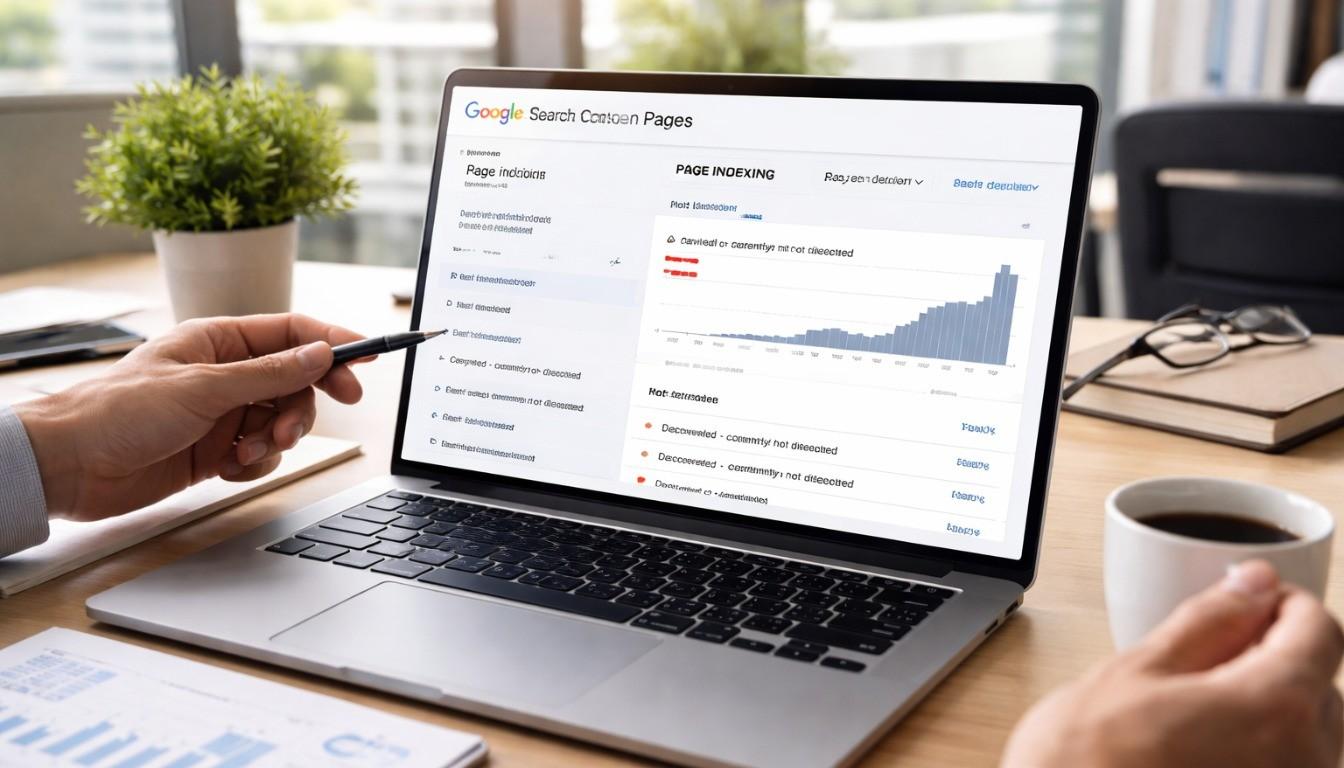
Pages Not Indexed? Fix Indexing Issues in Google Search Console
Fixing Google indexing issues in Bangladesh needs three things: clean technical SEO, strong content quality, and the right steps in Google Search Console (GSC). Start with GSC → Indexing → Pages to find the exact “Not indexed” reason, then use URL Inspection to confirm noindex tags, robots.txt blocks, canonical mismatch, redirects, and soft 404 or thin content signals. Next, fix the root cause, submit an updated XML sitemap with only indexable URLs, improve internal linking from strong pages, and request indexing for the most important URLs. This guide shows how to fix indexing issues in Google Search Console step by step, and many new sites in Bangladesh see updates within 24–72 hours after fixes. Key Takeaways Azmirul ImranBusiness Growth Expert with 7+ years of experience driving scalable growth through full stack digital marketing, including SEO, SEM, paid ads, AI automation, and content led strategies. brandingdask.com.bd