
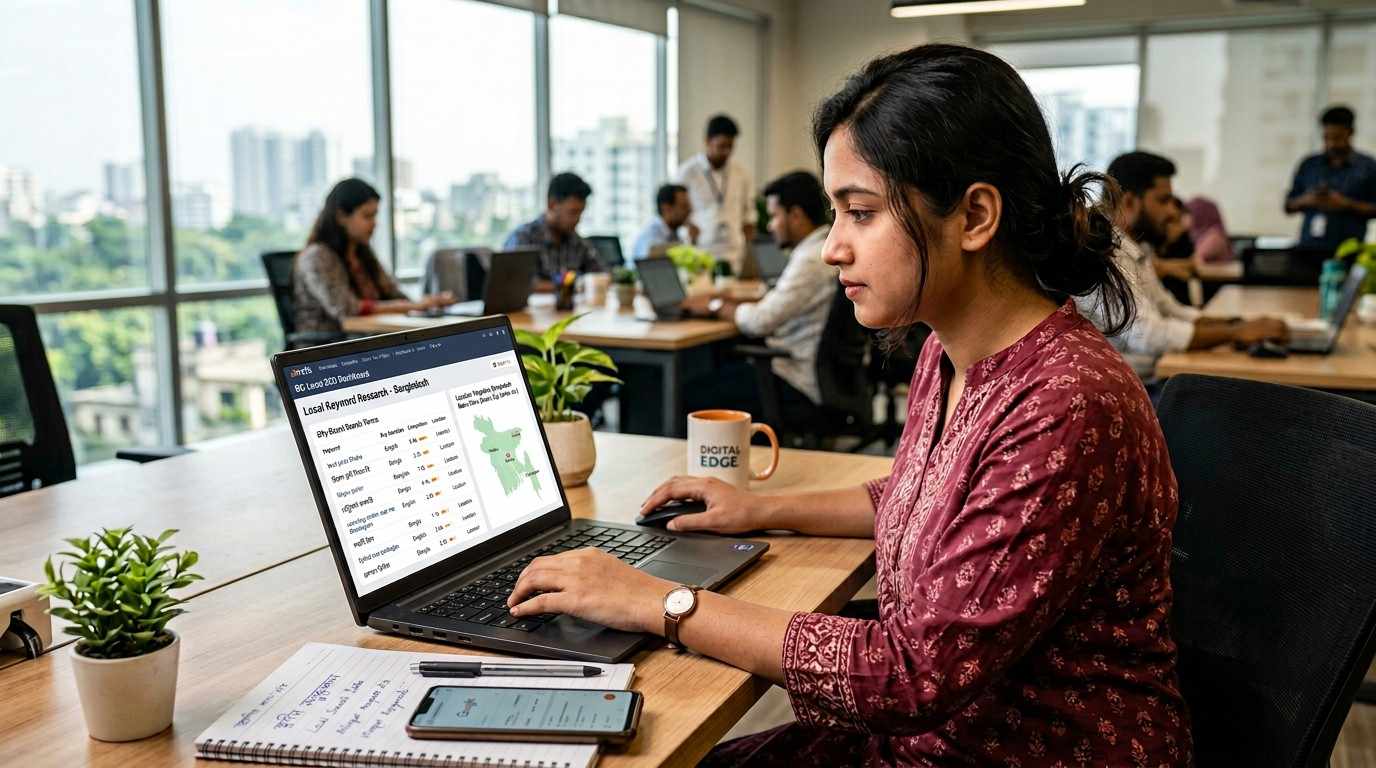
Local keyword research in Bangladesh means targeting a mix of English, Bangla, and Banglish search terms with location-specific modifiers such as city, area, and neighborhood names to attract high-intent local traffic. At the same time, it helps businesses match their content with how people actually search for nearby services in places like Dhaka, Chattogram, Mirpur, Gulshan, or Sylhet. From there, a strong local keyword strategy starts with your core services, then adds city and area terms to build more relevant search targets. It also uses tools like Google Keyword Planner to review city-level search demand and Google Autocomplete to find “near me” and hyper-local searches. When you prioritize service-based keywords with clear local intent, you can improve local visibility, attract more mobile-driven inquiries, and bring in traffic that is more likely to convert. What Is Local Keyword Research in Bangladesh? Local Keyword Research is the process of finding search terms people use to look for a service in a specific city, area, or nearby location. These terms often include city names, area names, landmark names, and “near me” phrases. For example, “interior designer in Mirpur” or “dental clinic in Sylhet” shows clear local intent, so these keywords usually work better than broad terms. It also helps you choose the right page type, whether that is a service page, a city page, or a local landing page. Why Local Search Matters for Businesses Bangladesh has strong local search demand across many service sectors, especially restaurants, medical services, retail, education, and real estate. So, people often search for businesses they can call, visit, or compare quickly. Local Keyword Research helps businesses appear in Google Search, Google Maps, and other local results for the areas they actually serve with the help of professional SEO services. As a result, they can attract more relevant traffic and better local inquiries, especially from mobile users who are ready to take action. How Local Keyword Research Works Language strategy: In Bangladesh, users often search in English, Bengali script, and Banglish, so your keyword list should reflect real search behavior, not just business terms. Search term variations: Your keyword research should include English keywords, Bengali script searches, Banglish terms, spelling variations, and customer language from calls, messages, and reviews. Location modifiers: Add city names, neighbourhoods, roads, postal areas, or landmarks to your service keywords because this helps you target more relevant local searches. “Near me” and mobile searches: “Near me” keywords often come from users who want quick action, so they work better when your website and Google Business Profile clearly show service details and service areas. Key service sectors: Local keyword demand is often strongest for service-based businesses in Bangladesh, especially restaurants, dentists, clinics, retail stores, schools, coaching centres, and real estate services. How to Find the Right Local Search Terms Identify core services: First, list your main services in simple customer language so your keyword research starts with terms real users already understand. Add location modifiers: Then, combine those service terms with city names, neighbourhoods, areas, or landmarks to make the keywords more locally relevant. Use Google tools and search features: Next, use Google Keyword Planner, Google Autocomplete, People Also Ask, related searches, and Google Search Console to find real search queries and common wording. Analyse and refine the list: Finally, keep the keywords that match your service area, target audience, and business goals, because keywords with clear local intent often bring better results than broad terms. How to Choose the Right Keywords Not every keyword needs its own page. First, search the keyword in Google and check page 1. If you see service pages, maps, and business profiles, the keyword usually has commercial intent. If you see guides or explainers, it usually has informational intent. Then, review each keyword by relevance, location fit, intent, competition, and conversion value. This helps you keep only the keywords that match your service, target area, and business goals, so your content stays focused and useful. For practical examples, you can review our case studies. Factor What to Check Relevance Does it match your real service? Location fit Do you truly serve that place? Intent Does it show lead or visit intent? Competition Can your page compete with current results? Conversion value Can this keyword bring calls, forms, or visits? How to Match Keywords to the Right Pages Good keyword research should end with a clear page plan. So, each keyword group should match one main page type to keep your content focused and easy for Google to understand. Use broad service keywords for main service pages, service + city terms for city pages, service + area terms for local landing pages, and question-based terms for blog posts. “Near me” keywords usually work best through your Google Business Profile and supporting local content. Create a separate city page only when you serve that place, see real demand, and can add useful local details. If a page only changes the city name, it may look thin and less helpful. Keyword Type Best Page Type Example Broad service keyword Main service page Dental clinic Service + city City page Dental clinic in Sylhet Service + area Local landing page Dentist in Uttara Question keyword Blog post How to choose a dentist in Dhaka “Near me” keyword GBP + support content Best dentist near me Common Keyword Mistakes to Avoid Using only national keywords: This can make you miss local search terms that bring more relevant traffic. Ignoring Bengali and Banglish searches: Many users search in mixed language formats, so leaving these out can limit visibility. Targeting areas you do not serve: This can weaken relevance and make the page less useful for real users. Creating keyword overlap: When multiple pages target the same keyword group, Google may struggle to choose the best page. Repeating the same phrase too often: So, use one main keyword cluster per page and add related terms naturally. Real Keyword Examples by Business Type Restaurant: best restaurant in Gulshan, family restaurant in Dhanmondi, restaurant near me, ঢাকায়
Google Map Pack Ranking Checklist: Step-by-Step Guide 2026
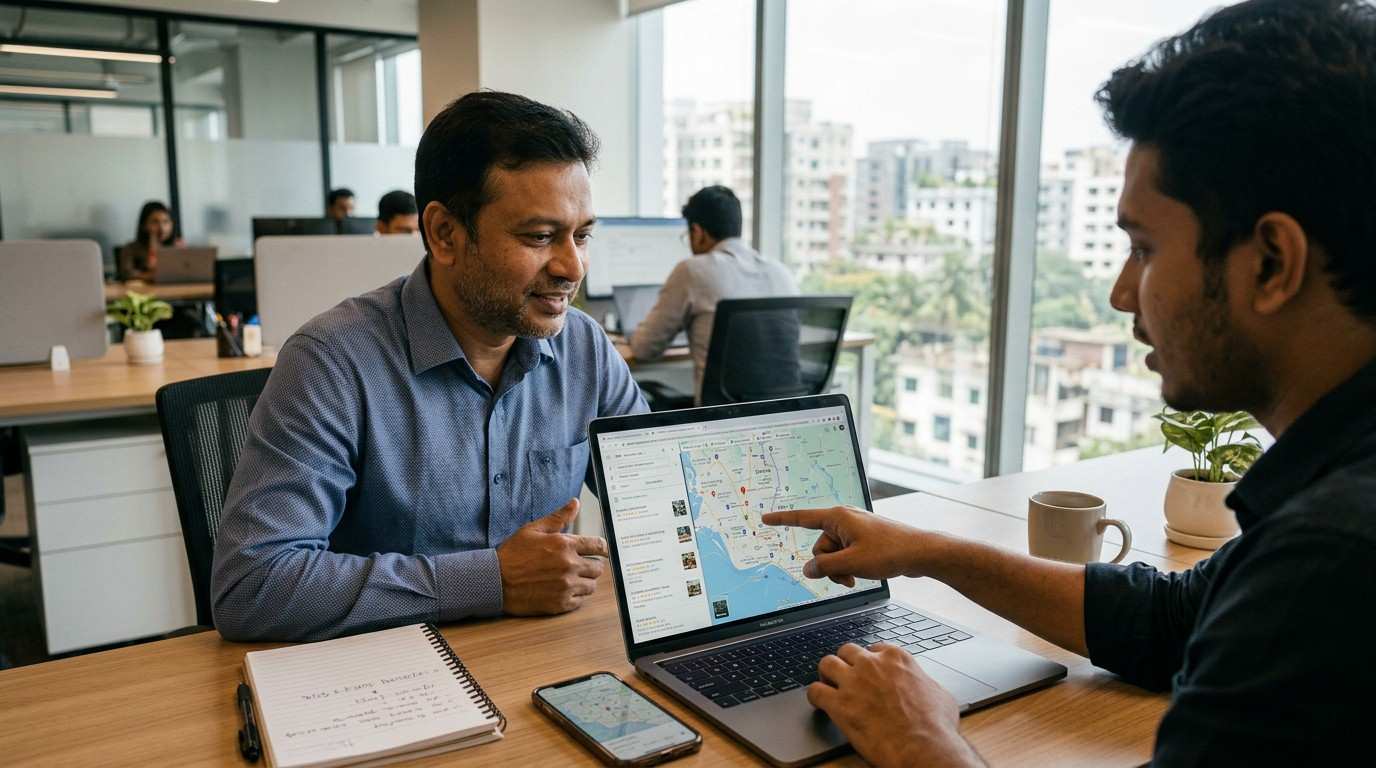
Ranking in the Google Map Pack (Local 3-Pack) in Bangladesh takes a mix of Google Business Profile (GBP) optimization, local citations, and on-page local SEO. Still, you also need to respect proximity and build steady review velocity to compete in busy areas. In this Google Map Pack Ranking Checklist, you will claim and verify your GBP, use your real business name, and keep NAP (Name, Address, Phone) 100% consistent. Then you will choose the best category, write a clear local description (first 250 characters matter), add 10+ real photos, post weekly, fill 5–10 Q&A, collect reviews and reply within 24–48 hours, build Bangladesh citations, and support it all with local pages plus LocalBusiness schema. Key Takeaways First, claim and verify your GBP, then secure access. Next, keep your business name real and your NAP 100% consistent. Then, choose the best category and complete services, photos, and Q&A. Finally, build reviews, citations, and local pages, and track results monthly. (Need help? Check our Local SEO services in Bangladesh.) What Is the Google Map Pack (Local 3-Pack)? The Google Map Pack (Local Pack) shows the top 3 local businesses for local and “near me” searches. So, Google ranks these results using relevance, distance, and prominence. Google Map Pack Ranking Factors: 3 Pillars Explained Google shows the Google Map Pack when people search with local intent. In Bangladesh, people search for “restaurant Gulshan,” “dentist Dhanmondi,” or “AC repair Mirpur,” and then Google picks the top 3 using three pillars. Relevance: your GBP matches the search through the right category, services, and content Distance: the searcher stays close to your location or the searched area Prominence: your business earns trust through reviews, citations, and local links So, you can’t control distance, but you can improve relevance and prominence and keep those signals consistent over time. 30/60/90-Day Google Maps Ranking Plan Days 1–30 (Foundation + quick wins) Claim and verify your GBP, then secure access Fix your business name and keep NAP consistent everywhere Choose the primary category, add only relevant secondary categories, and complete services Add hours and holiday hours, then upload 10+ real photos Post once a week to stay active Days 31–60 (Trust + growth) Start a weekly review routine, and reply within 24–48 hours Add citations and niche listings with matching NAP Build 1–2 local links through partners or community sites Publish 1–2 location pages for your key service areas Days 61–90 (Scale + stability) Keep reviews coming at a steady pace, especially in competitive areas Refresh photos, post weekly, and expand Q&A Add LocalBusiness schema and improve on-page local signals Track calls, directions, clicks, and leads monthly, then adjust what’s not working Google Business Profile Checklist for Map Pack Ranking Claim & Verify: Claim your listing on Google Maps and complete verification (postcard, phone, or video). If Google requests a video, show your storefront sign, tools, office setup, or work vehicle. Business Name (NAP): Use your real business name and avoid keyword stuffing. NAP Consistency: Keep your Name, Address, and Phone 100% identical on your website footer, directories, and social profiles. Bangladesh Formatting Tip: Use one address format (Road + House + Area + Thana + District) and one phone format (like +8801XXXXXXXXX) everywhere. Storefront vs Service-Area Business: Show your address if customers visit your shop; otherwise, hide it and set a clear service area you actually cover. Hours & Holiday Hours: Keep hours accurate and update holiday hours early, since people often check hours before they call. GBP Optimization Tips for Map Pack Primary Category: Choose the most accurate primary category, since it heavily shapes Map Pack relevance. Secondary Categories: Add 5–9 secondary categories only if you truly offer those services. Services / Products: Fill services (and products if relevant) in detail, using natural keywords in names and short descriptions. Business Description: Write a clear description and make the first 250 characters local (example: “AC repair in Mirpur and Uttara…”). Photos / Videos: Upload 10+ real, high-quality images (team, work, storefront/tools), and refresh them monthly. Weekly Posts: Publish weekly updates, offers, or news with a clear CTA like Call, Book, or Learn More. Q&A: Pre-fill 5–10 common questions (service areas, price range, booking steps) and answer them from the business account. Get More Google Reviews and Rank Higher on Maps Review volume and velocity: Build reviews with a steady flow. In competitive Dhaka areas, many businesses work toward 100+ reviews over time, so keep a consistent pace instead of a one-time push. Natural service + location mentions: Ask happy customers to mention what they got and where, like “AC servicing in Uttara” or “haircut in Dhanmondi,” but keep it natural. Reply within 24–48 hours: Respond to every review, since fast replies show active management and build trust. Positive: “Thanks, [Name]! We’re glad you liked the service.” Negative: “Thanks, [Name]. Please call [number] so we can fix this quickly.” Use QR codes: Put a QR code in-store, on invoices, or on receipts, so customers can review in seconds. If you want real examples, see our local SEO case studies. Quote (use once): “Fast replies turn doubts into trust.” NAP Consistency and Local Citations Checklist NAP consistency helps Google trust your business, so keep the same details everywhere. This part of the Google Map Pack Ranking Checklist focuses on fixing your NAP first, and then building clean citations. Match your NAP everywhere: business name, address format, phone format, and hours (including holiday hours). Then add citations on trusted sources: Bangladesh directories, industry listings, and relevant chambers/associations. Also, keep NAP consistent on social profiles like Facebook, LinkedIn, and Instagram. Start here: BDDirectory, yellowpages.com.bd. If you use call tracking, keep your main number as the primary number, so you don’t create NAP conflicts. Website Local SEO Checklist (On-Page + Schema) Local keywords on-page: Add location terms naturally in your meta title, meta description, and H1 (example: “AC Repair in Mirpur, Dhaka”). Local landing pages: Create one unique page per area you serve, and include real proof like service details, photos, and FAQs.

Google Business Profile Optimization: Step-by-Step Guide
To optimize your Google Business Profile (GBP) in Bangladesh, start with Google Business Profile optimization by claiming and verifying your listing. Next, keep 100% NAP accuracy (Name, Address, Phone) across your website and directories, choose the right categories, add services, and write a clear description with natural local keywords like “restaurant in Dhaka” or “courier service in Bangladesh.” Then upload real photos and videos, post weekly updates, and collect and reply to reviews to improve visibility in the Local 3-Pack. Finally, set your service area, turn on messaging, and track calls, directions, and clicks in Performance. Quick definition: Google Business Profile optimization means improving your listing so people can find and trust your business on Google Search and Google Maps. 10-Minute Google Business Profile Setup Checklist First, open Business Profile Manager and confirm that you manage the correct profile. Next, complete verification (phone, email, postcard, video, or live video). Then, use your real business name on signage and documents, and avoid extra keywords. After that, fix NAP (name, address, or hide it for SAB, phone, and website URL) and keep it consistent—NAP consistency. Also, set regular hours, and add special hours for Eid, Puja, and national holidays. Now, choose one strong primary category, and add a few relevant secondary categories. Finally, add key services/products and upload your logo, cover, and 5–10 real photos. GBP Optimization: Quick Checklist Claim and Verify: First, claim your Google Business Profile and complete verification so you control the listing. NAP Accuracy: Next, keep your Name, Address, and Phone accurate, and match the same details on your website and directories. Categories: Then choose one strong primary category and a few relevant secondary categories to improve search relevance. Description + Services: After that, write a clear description and add services/products using natural phrases like “restaurant in Dhaka” or “courier service in Bangladesh” only when they truly fit. Photos + Videos: Also, upload real, high-quality photos and short videos of your team, work, and location to build trust and clicks. Weekly Activity: Finally, post weekly updates, collect and reply to reviews, set your service area clearly, and turn on messaging so customers can contact you faster. Why GBP Optimization Matters for Businesses Increased Visibility: First, an optimized profile helps you show up in the Local 3-Pack, so more people notice you fast. Higher Engagement: Next, strong photos often bring higher engagement—many reports mention more direction requests and clicks, although results can vary. Trust Building: Finally, a complete profile builds trust—so you can check real results from businesses we’ve helped. How Google Ranks Your GBP for Local SEO (3 Factors) Google ranks local results using three signals: Relevance: Your categories, services, description, posts, and Q&A help Google match you to searches. Distance: Google checks how close the searcher is to your location or service area. Prominence: Reviews, photos, activity, and consistent NAP across the web help you look trusted. You can’t control distance for every search. Still, you can improve relevance and prominence with accurate info and steady updates. Google Business Profile Optimization: Step-by-Step Follow these steps in order. First, Google can understand your business faster. Then, customers can trust you faster. This process supports Google Business Profile optimization without risky shortcuts. Claim & Verify Your Profile Search your business on Google and click “Manage this profile.” Next, sign in and complete verification if Google asks. Then set access roles: Keep one main Owner Add one trusted backup Owner Give the staff Manager access for daily edits Remove old or unknown users Fix NAP, Hours, and Map Pin Location Now keep NAP (Name, Address, Phone) the same on your profile, website, Facebook page, and directories. Also, move the map pin to the correct entrance if needed. After that, set regular hours and add special hours before holidays, so “open now” stays accurate. Choose Categories and Add Key Attributes Next, pick the closest primary category for your main service. Then add a few relevant secondary categories. Also, add useful attributes like: payment options delivery/home service appointment required accessibility options Write Your Description and Add Services After that, write a simple description that says what you do, who you serve, and what people can expect. Then add your main services and short service descriptions. Use natural phrases like “restaurant in Dhaka” or “courier service in Bangladesh” only when they truly fit your business. Add Website, Booking, and Contact Links Finally, add your website link and a booking/appointment link if you take bookings. This step helps people take action without extra clicks. Build Trust: Photos, Posts, Q&A, and Reviews Now upload real photos and short videos, post weekly updates, answer Q&A clearly, and collect reviews. Then reply to every review so your profile stays active and reliable. GBP Setup for Bangladesh: Language, Address, Hours Bangladesh users search in both English and Bangla. So, keep your core profile fields consistent, and then use Bangla where it helps your customers most. First, use your official business name exactly as it appears on signage and documents. Next, use Bangla in posts, Q&A, and replies if your audience prefers it. Also, keep your address format consistent (Road–Block–House order), and update special hours before Eid, Puja, and national holidays. Finally, if you run a service-area business (SAB), hide your address and list only the areas you truly serve to avoid confusion. Examples of city coverage: Dhaka, Chattogram, Khulna, Rajshahi, Sylhet, Barishal, Rangpur, Mymensingh. Best Photos and Videos for Your GBP Upload real, high-quality photos and short videos of your products, team, and location. Then, add new photos every week, because people decide fast when they compare options. What to upload: Exterior and interior Team photos Work in progress Before/after (if it fits) Short videos that show your place or process Geotagged images: Some businesses test geotagging as an extra step. However, results can vary, so focus first on real photos, accurate categories, complete services, and reviews. GBP Posts, Q&A, and Weekly Plan Post once a week to keep your profile active, and choose one CTA like
Local SEO Beginner’s Guide: Rank on Google Maps
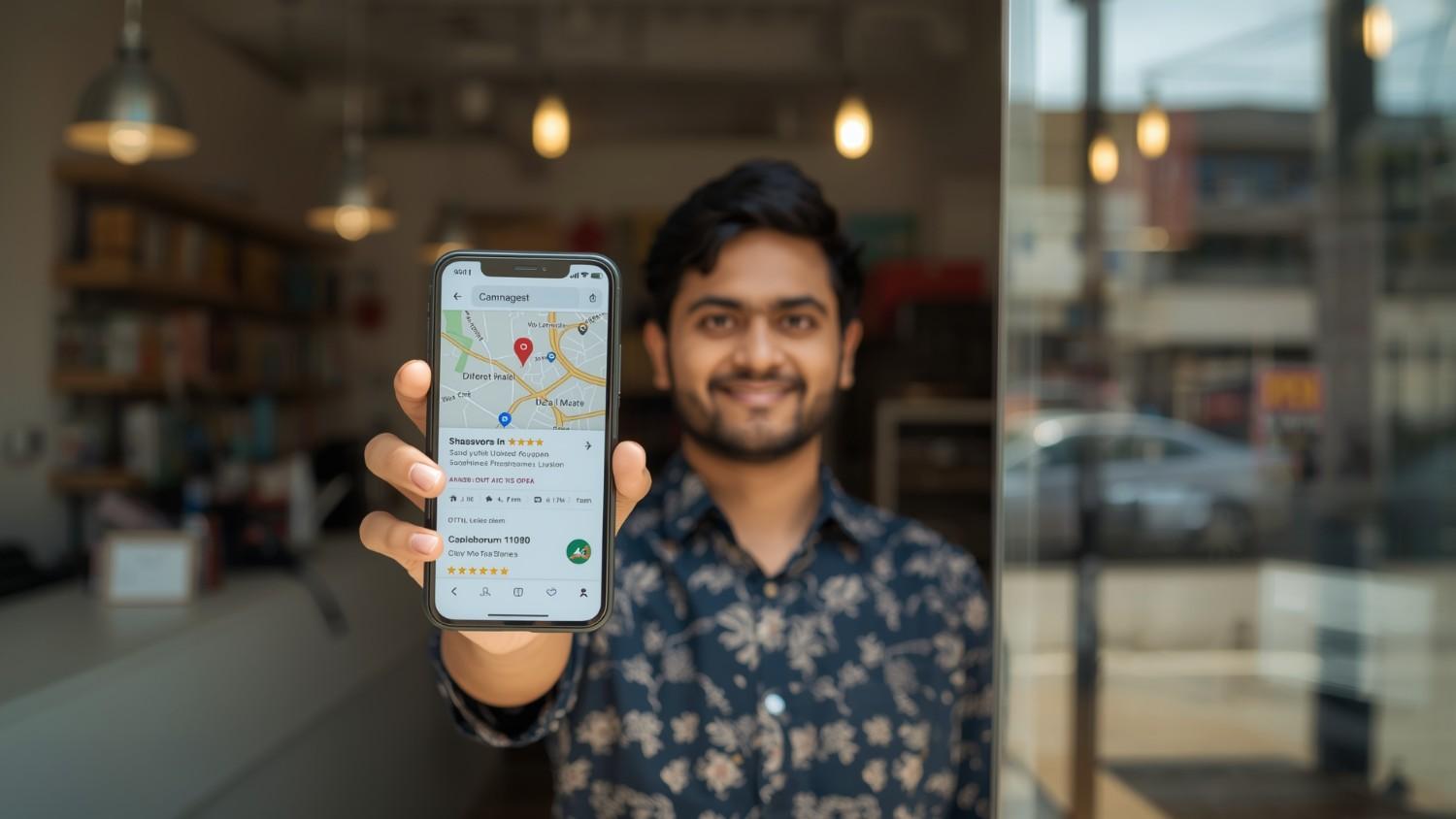
Local SEO in Bangladesh helps small and medium businesses attract nearby customers through Google Search and Google Maps. A strong Local SEO Beginner’s Guide starts with Google Business Profile (formerly GMB), then builds trust with consistent Name, Address, and Phone number (NAP) across directories. Next, use local keywords like “best restaurant in Dhaka,” add photos and posts, and collect real customer reviews. Then build local backlinks, add 10–20 citations on Bangladeshi platforms, and track calls plus direction requests each week. “Small details build big trust.” Key Takeaways Start with Google Business Profile, because it drives most local results—if you want help, check our Local SEO services. Then keep your NAP identical everywhere, so Google and customers trust your details. Next, use Bangla + English + Banglish keywords naturally, and post photos or updates regularly. After that, build 10–20 citations and track them in one simple table. Finally, ask for reviews each week and reply to every review to show activity and care. Google Business Profile Setup for Local SEO (BD) Formerly known as Google My Business, this is the most critical tool for local SEO. So, start here first, because most beginners get results from GBP before anything else. Claim & verify: Claim your business on Google and verify it by phone, postcard, or video. Complete the basics: Add your real business name, NAP, working hours, website URL, and the right category. Add local context: Include your location naturally in the description (for example, “Best café in Gulshan” or “ঢাকায় ভালো রেস্টুরেন্টে”). Build trust: Upload clear photos of your storefront, products, and team, and then post updates regularly, especially around local holidays. Quick Do / Don’t (to stay safe) Do use your real business name and category, and keep address + phone consistent everywhere. Don’t add extra keywords in the name, create duplicate listings, or use a virtual office as a storefront address. This guide works as a Local SEO Beginner’s Guide because it keeps steps simple, safe, and easy to repeat. Keep NAP Consistent Across Website and Directories NAP stands for Name, Address, and Phone number. Your business details should match across your website, social media, and local directories. Contiguity: Your business name, address, and phone number must be identical across your website, social media, and local directories (e.g., Yellow Pages Bangladesh, Bikroy, Bdtradeinfo). Why it Matters: Inconsistent information confuses Google, lowering your ranking. First, set one “source of truth” on your website contact page. Then update every other platform to match the same NAP. Local Keyword Research (Bangla + English + Banglish) Target how people in Bangladesh search for services. People often mix English, Bangla, and Banglish, so you should match that behavior in a natural way. Use city and area terms: Combine your service with places people actually type, like “dentist in Mirpur” or “plumber in Sylhet.” Add bilingual versions: Include both English and Bangla phrases when they make sense for your audience. Use long-tail phrases: Go specific, like “affordable dental clinic in Banani, Dhaka,” because these searches often bring high-intent leads. Next, place keywords naturally inside: GBP description and services GBP posts Your main service page headings and text On-Page SEO for Local Business Websites Your website helps Google trust your business and match you with local searches, so keep it simple and clear. Location pages: If you have multiple branches, create one page for each location. Local content: Write posts about local events or area-specific tips (for example, “Top Fitness Trends in Dhaka for 2025”). Mobile-first speed: Make your site fast and easy to use on phones, because most local searches happen on mobile. Contact proof: Add your address, phone number, an embedded Google Map, and short driving directions on your contact page. Local Citations and Reviews for Better Rankings Citations and reviews build trust and help your business stand out, so focus on what customers can see. Get reviews: Ask happy customers for Google and Facebook reviews. Reply to all reviews: Respond to positive and negative reviews, because it shows you care. Earn local backlinks: Get mentions from local news sites, blogs, or industry groups when it fits your business. Review message (copy and use): “Hi [Name], thanks for choosing us today. Please leave a quick review on Google. Here’s the link: [link].” Short reply templates: Positive: “Thanks, [Name]! We’re glad you liked our service. Message us anytime you need help.” Negative: “Thanks for the feedback, [Name]. We’re sorry you faced this issue. Please message your contact details so we can fix it quickly.” Avoid fake reviews, because Google can remove them and trust can drop. Local Backlinks: Safe Link Building for Beginners Local backlinks can support trust, so keep your link building real and simple. Start with partners and community sponsorships that match your work. Then look for chambers, associations, and local PR mentions from news sites or blogs. Finally, earn industry links from suppliers or related businesses when it makes sense. Aim for one good local link each month, and track it so you can repeat what works. Track Local SEO Results: 4-Week Beginner Plan Tracking keeps you consistent, so you can see what brings real calls and direction requests. What to track each week GBP calls, direction requests, website clicks, and messages Search queries report inside GBP Review count and rating trend Rankings for 3–5 priority local keywords 4-week beginner timeline Week Focus What you may notice Week 1 Claim/verify + complete info More profile actions Week 2 Photos + posts + categories Better match for searches Week 3 NAP + 10–20 citations + reviews Stronger trust signals Week 4 Local content + local backlinks + tracking habit Early lift and better lead quality Want to see real results and timelines? Explore our case studies. For example, a café in Gulshan can get more direction requests after it posts fresh photos and weekly updates. Why Your Business Isn’t on Google Maps (Fix) If your business does not show on Google Maps, fix the basics first, then check the results again.