
Ranking in the Google Map Pack (Local 3-Pack) in Bangladesh takes a mix of Google Business Profile (GBP) optimization, local citations, and on-page local SEO. Still, you also need to respect proximity and build steady review velocity to compete in busy areas.
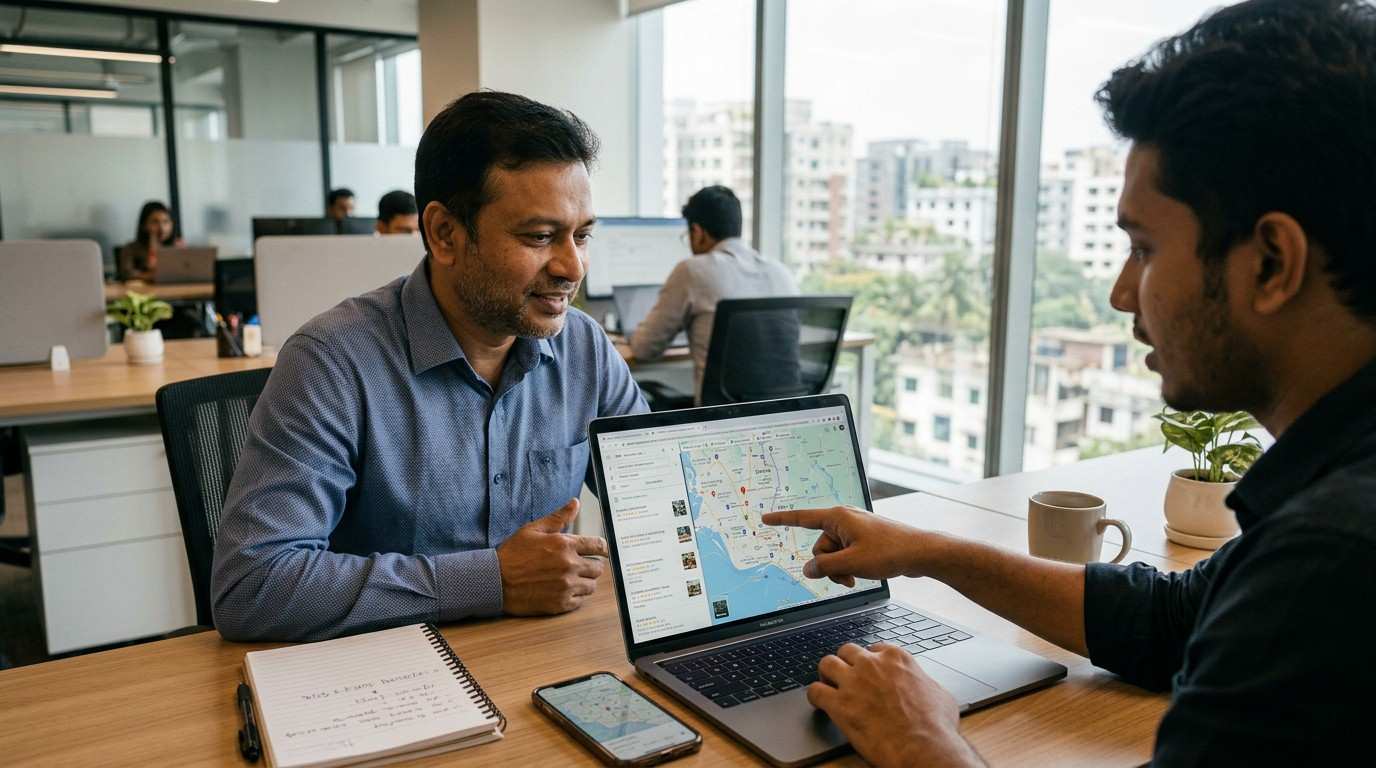
In this Google Map Pack Ranking Checklist, you will claim and verify your GBP, use your real business name, and keep NAP (Name, Address, Phone) 100% consistent. Then you will choose the best category, write a clear local description (first 250 characters matter), add 10+ real photos, post weekly, fill 5–10 Q&A, collect reviews and reply within 24–48 hours, build Bangladesh citations, and support it all with local pages plus LocalBusiness schema.
Key Takeaways
- First, claim and verify your GBP, then secure access.
- Next, keep your business name real and your NAP 100% consistent.
- Then, choose the best category and complete services, photos, and Q&A.
- Finally, build reviews, citations, and local pages, and track results monthly. (Need help? Check our Local SEO services in Bangladesh.)
What Is the Google Map Pack (Local 3-Pack)?
- The Google Map Pack (Local Pack) shows the top 3 local businesses for local and “near me” searches.
- So, Google ranks these results using relevance, distance, and prominence.
Google Map Pack Ranking Factors: 3 Pillars Explained
Google shows the Google Map Pack when people search with local intent. In Bangladesh, people search for “restaurant Gulshan,” “dentist Dhanmondi,” or “AC repair Mirpur,” and then Google picks the top 3 using three pillars.
- Relevance: your GBP matches the search through the right category, services, and content
- Distance: the searcher stays close to your location or the searched area
- Prominence: your business earns trust through reviews, citations, and local links
So, you can’t control distance, but you can improve relevance and prominence and keep those signals consistent over time.
30/60/90-Day Google Maps Ranking Plan
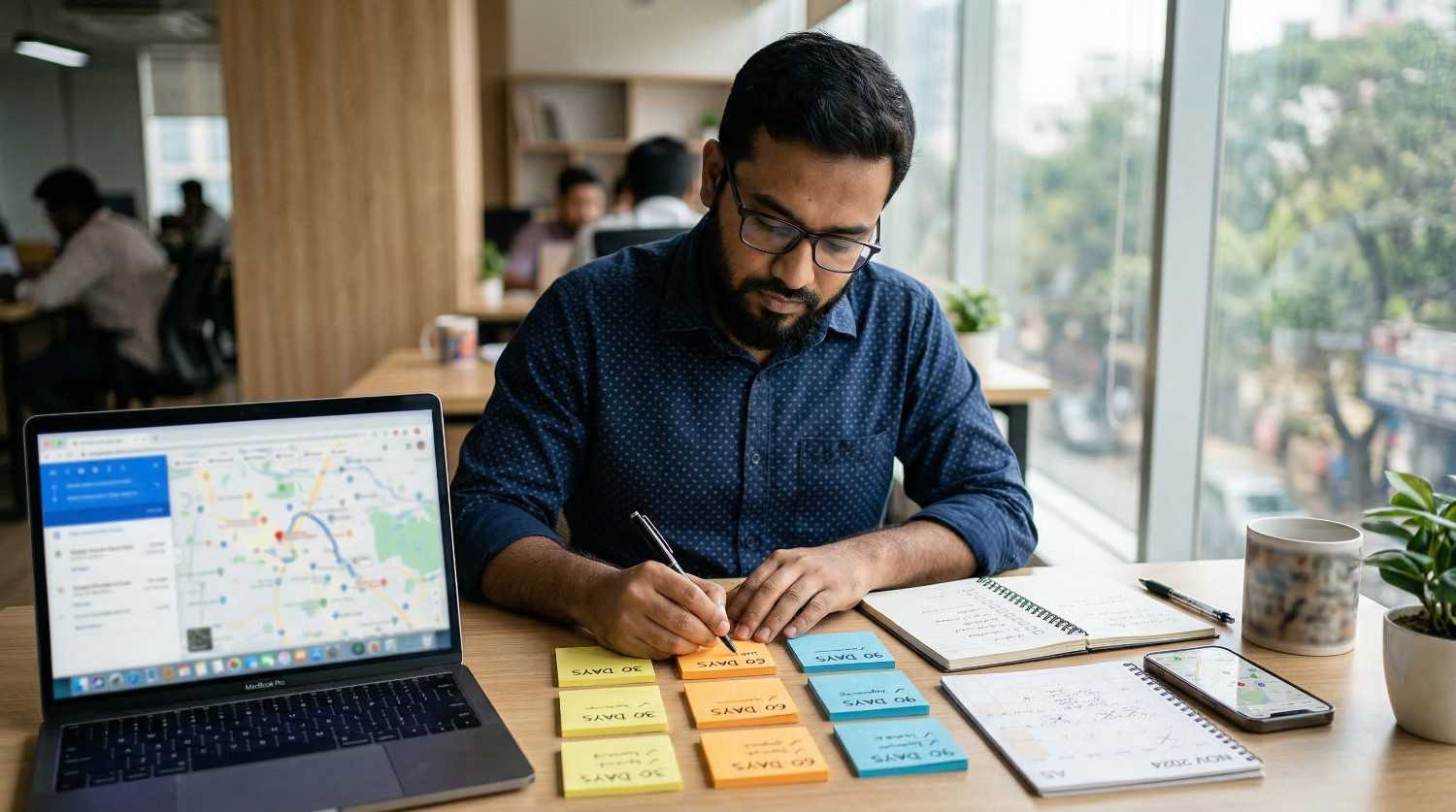
Days 1–30 (Foundation + quick wins)
- Claim and verify your GBP, then secure access
- Fix your business name and keep NAP consistent everywhere
- Choose the primary category, add only relevant secondary categories, and complete services
- Add hours and holiday hours, then upload 10+ real photos
- Post once a week to stay active
Days 31–60 (Trust + growth)
- Start a weekly review routine, and reply within 24–48 hours
- Add citations and niche listings with matching NAP
- Build 1–2 local links through partners or community sites
- Publish 1–2 location pages for your key service areas
Days 61–90 (Scale + stability)
- Keep reviews coming at a steady pace, especially in competitive areas
- Refresh photos, post weekly, and expand Q&A
- Add LocalBusiness schema and improve on-page local signals
- Track calls, directions, clicks, and leads monthly, then adjust what’s not working
Google Business Profile Checklist for Map Pack Ranking
- Claim & Verify: Claim your listing on Google Maps and complete verification (postcard, phone, or video). If Google requests a video, show your storefront sign, tools, office setup, or work vehicle.
- Business Name (NAP): Use your real business name and avoid keyword stuffing.
- NAP Consistency: Keep your Name, Address, and Phone 100% identical on your website footer, directories, and social profiles.
- Bangladesh Formatting Tip: Use one address format (Road + House + Area + Thana + District) and one phone format (like +8801XXXXXXXXX) everywhere.
- Storefront vs Service-Area Business: Show your address if customers visit your shop; otherwise, hide it and set a clear service area you actually cover.
- Hours & Holiday Hours: Keep hours accurate and update holiday hours early, since people often check hours before they call.
GBP Optimization Tips for Map Pack
- Primary Category: Choose the most accurate primary category, since it heavily shapes Map Pack relevance.
- Secondary Categories: Add 5–9 secondary categories only if you truly offer those services.
- Services / Products: Fill services (and products if relevant) in detail, using natural keywords in names and short descriptions.
- Business Description: Write a clear description and make the first 250 characters local (example: “AC repair in Mirpur and Uttara…”).
- Photos / Videos: Upload 10+ real, high-quality images (team, work, storefront/tools), and refresh them monthly.
- Weekly Posts: Publish weekly updates, offers, or news with a clear CTA like Call, Book, or Learn More.
- Q&A: Pre-fill 5–10 common questions (service areas, price range, booking steps) and answer them from the business account.
Get More Google Reviews and Rank Higher on Maps
- Review volume and velocity: Build reviews with a steady flow. In competitive Dhaka areas, many businesses work toward 100+ reviews over time, so keep a consistent pace instead of a one-time push.
- Natural service + location mentions: Ask happy customers to mention what they got and where, like “AC servicing in Uttara” or “haircut in Dhanmondi,” but keep it natural.
- Reply within 24–48 hours: Respond to every review, since fast replies show active management and build trust.
- Positive: “Thanks, [Name]! We’re glad you liked the service.”
- Negative: “Thanks, [Name]. Please call [number] so we can fix this quickly.”
- Use QR codes: Put a QR code in-store, on invoices, or on receipts, so customers can review in seconds. If you want real examples, see our local SEO case studies.
Quote (use once): “Fast replies turn doubts into trust.”
NAP Consistency and Local Citations Checklist
NAP consistency helps Google trust your business, so keep the same details everywhere. This part of the Google Map Pack Ranking Checklist focuses on fixing your NAP first, and then building clean citations.
- Match your NAP everywhere: business name, address format, phone format, and hours (including holiday hours).
- Then add citations on trusted sources: Bangladesh directories, industry listings, and relevant chambers/associations.
- Also, keep NAP consistent on social profiles like Facebook, LinkedIn, and Instagram.
- Start here: BDDirectory, yellowpages.com.bd.
- If you use call tracking, keep your main number as the primary number, so you don’t create NAP conflicts.
Website Local SEO Checklist (On-Page + Schema)
- Local keywords on-page: Add location terms naturally in your meta title, meta description, and H1 (example: “AC Repair in Mirpur, Dhaka”).
- Local landing pages: Create one unique page per area you serve, and include real proof like service details, photos, and FAQs.
- Contact signals: Add click-to-call, show your NAP clearly, and embed your Google Map on the Contact page if you display an address.
- NAP match: Place NAP in the footer and keep it identical to your Google Business Profile, including phone formatting.
- Mobile-first: Keep the site fast and easy to use on mobile, since most local visitors browse from phones.
- Schema: Add the LocalBusiness schema, and add the FAQ schema if you include FAQs on the page.
Google Maps Ranking Tips: CTR, Messaging, Tracking
- Improve CTR: Use a clear cover photo, add real photos, and complete every GBP field, so people click your listing more often.
- Turn on messaging: Enable chat/messaging and reply fast, because quick replies increase trust and leads.
- Do a competitor check: Review the top 3 in Google Maps for categories, services, review pace, post frequency, and photo freshness, then copy what is ethical and relevant.
- Track results monthly: Add UTMs to your website and booking links, and track calls, messages, directions, clicks, and leads month to month.
Why You’re Not Ranking in the Google Map Pack Top 3
Run these quick checks first, then fix what you find:
- Category mismatch: Your primary category does not match your core service.
- NAP mismatch: Your NAP differs across your website, GBP, and citations.
- Listing issues: You have duplicates, or your map pin sits in the wrong place.
- Wrong setup: Your address or service area setup does not match your business type.
- Weak trust signals: Reviews grow too slowly, or you don’t reply within 24–48 hours.
- Low proof: Photos look outdated, or you lack real work/team images.
- Competitor spam: A competitor uses spam tactics, so report spam on Google Maps and keep your own listing clean.
Google Map Pack Ranking Checklist Table (Step-by-Step)
Use this Google Map Pack Ranking Checklist in order. Then tick off each step as you complete it.
| Step | What you do | Quick check |
| 1 | Claim and verify your GBP | Verification is complete, and you control access |
| 2 | Use real name + match NAP everywhere | Website footer, GBP, and citations match 100% |
| 3 | Pick the primary category | It matches your main service clearly |
| 4 | Add 5–9 secondary categories (only real) | Each category matches a real service you offer |
| 5 | Fill services/products | Services match customer search terms |
| 6 | Write description (first 250 chars local) | Service + location appear early |
| 7 | Set the address or service area correctly | Storefront shows the address, SAB hides it |
| 8 | Upload 10+ real photos | Logo, cover, team, and work samples added |
| 9 | Post weekly | You follow a schedule you can sustain |
| 10 | Add 5–10 Q&A items | You answer common questions clearly |
| 11 | Build reviews steadily | Reviews grow consistently month to month |
| 12 | Reply within 24–48 hours | You reply to every review |
| 13 | Add key citations | BDDirectory + yellowpages.com.bd + niche sites |
| 14 | Build local backlinks | Partners, local news, community sponsors |
| 15 | Create local landing pages | One page per city/zone you serve |
| 16 | Add LocalBusiness schema + NAP footer | Schema and footer match GBP details |
| 17 | Track with UTMs + KPIs | The monthly sheet shows calls, clicks, and directions |
Frequently Asked Questions
How long does it take to rank in the Google Map Pack in Bangladesh?
Many businesses see movement in 4–12 weeks after they fix GBP basics, NAP consistency, and reviews. Competitive zones in Dhaka may take longer, so keep weekly activity and monthly tracking.
Do I need 100+ reviews to reach the top 3 in Dhaka?
Many crowded niches compete around that level over time. Still, category fit, review quality, and reply speed can help you compete while you grow your review count steadily.
Why does my business show on Google Maps but not in the top 3?
Category mismatch, weak prominence signals, NAP differences, duplicates, and distance can block the Map Pack. Fix GBP completeness first, then improve reviews, citations, and local landing pages.
Which Bangladesh directories should I start with?
Start with BDDirectory and yellowpages.com.bd. Then add niche and chamber listings when they fit. Keep NAP formatting identical across every listing.
What should I track each month for GBP performance?
Track calls, messages, direction requests, website clicks, and leads. Then compare month-to-month changes after each checklist update.
Next Steps to Rank in the Google Map Pack
So, follow one clear order: fix your GBP foundation, then tighten categories and services, next build reviews and citations, and after that support everything with local website pages and schema. Finally, track results monthly, so you can see what improves calls, directions, and clicks—see Google’s tips to improve your local ranking.
If you want a clean action plan, Branding Dask can run a GBP audit and local SEO audit using this same Google Map Pack Ranking Checklist. Suggested internal links: Google Business Profile Audit, Local SEO Services, Contact Branding Dask.

Business Growth Expert with 7+ years of experience driving scalable growth through full stack digital marketing, including SEO, SEM, paid ads, AI automation, and content led strategies.